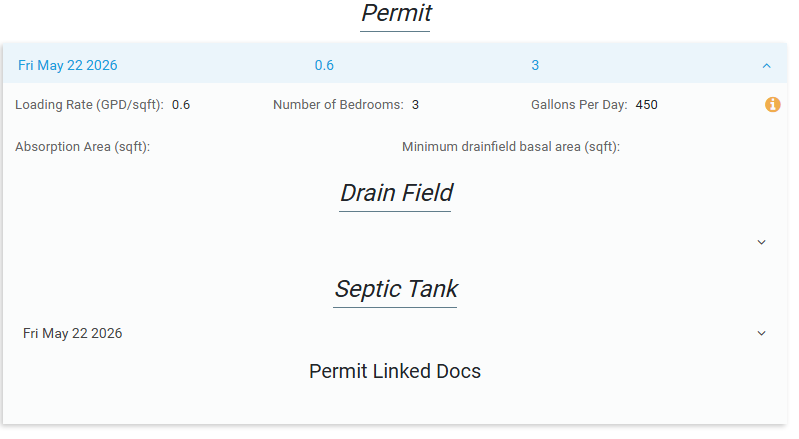
This workflow is for Indiana maps only.
Create the Land Evaluation #
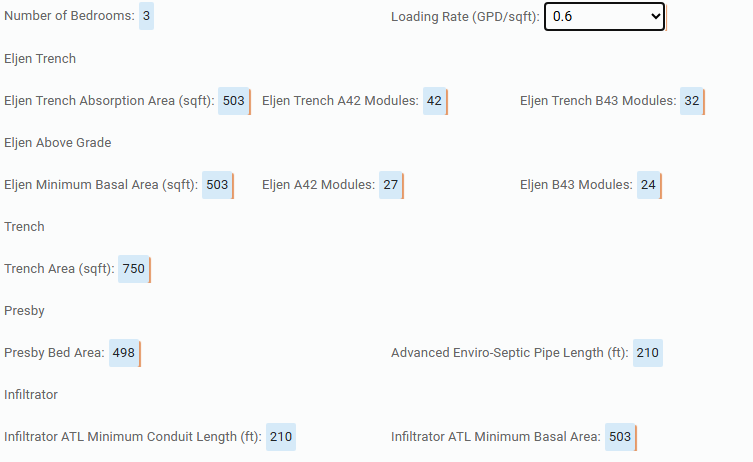
When creating a Land Evaluation, FetchEH will auto calculate areas, capacities and other needed fields for the most popular septic tank and drain field types like Eljen, Presby, Infiltrator, etc.
To get these calculations to work, fill in the Loading Rate and Number of Bedrooms.
After saving the Land Evaluation, close edit mode and click the i button then Create Permit.
Create the Permit #
Using the following tool Create Permit, will create a new Permit, Drain Field and Septic Tank linked to the current System Point.
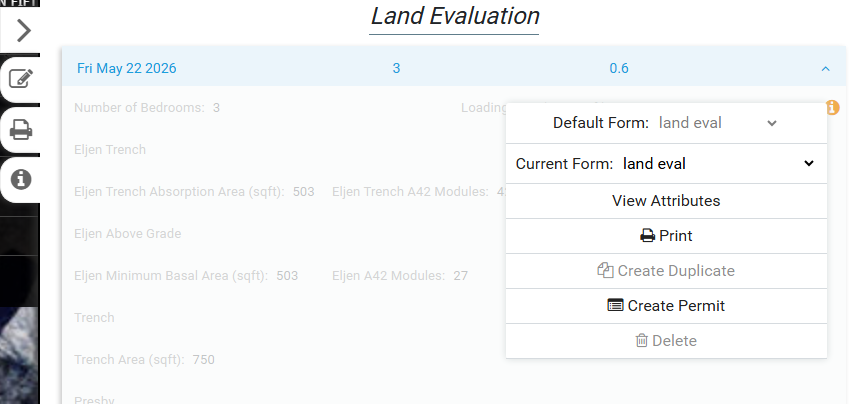
The Create a Permit modal will appear, where you can choose the design type to carry over into the Permit.
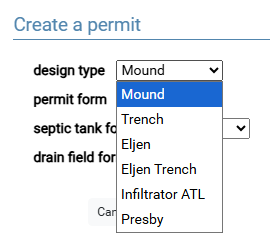
Select the appropriate design type.
You can also choose the default form for the Septic Tank, Drain Field and Permit that will be created.
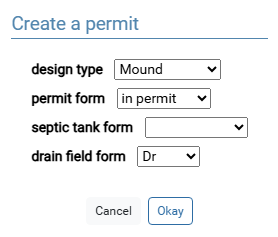
Clicking Okay will create the new features, and try to open the newly created Permit, if it is on the current Form.