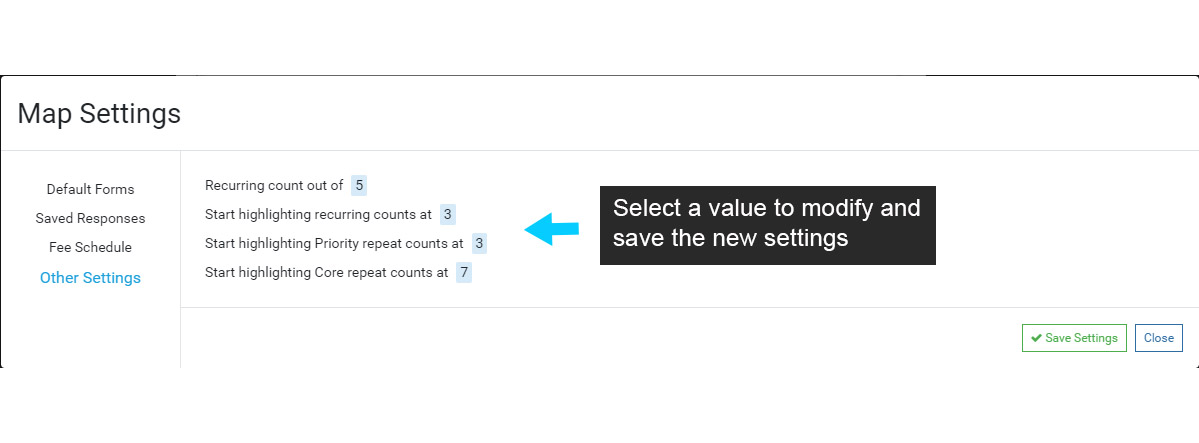
The Other Settings option is available in Food and are used to set Recurring or Repeat Counts.
To modify a County number, select it and enter a new value. The ‘highlighting’ numbers will highlight the corresponding Repeat or Recurring number on a Violation when that Violation meets the Repeat or Recurring Count threshold.
For example, a Violation is added to an Inspection. The same Violation was also added at the two previous Inspections, so the Repeat Count = 3, meeting the Count threshold. In this example, the Repeat Count 3 will be highlighted when the Violation is added, drawing attention the the field for enforcement action.
Note that Repeat and Recurring reporting can also be setup to scan for Violations that have met the enforcement threshold, or that are close to meeting the threshold.